
Let's continue the series about product reviews automation. I'm sure it will be useful to those who regularly need all kinds of product reviews, as it works perfectly for any affiliate program. Let me remind you to check out our step-by-step guide before moving on. A trial for some free words for Jarvis could be found here to try it out.
Before we start make sure you check the final result of this tutorial.Choose a Product and Form a Template
Let's take a niche with some not very obvious products, for example, INSL-X SXA11009A-01 Stix Acrylic Waterborne Bonding Primer. If you write reviews of services or software, then instead of the product in the template substitute {product} with service names (like ConvertKit, ActiveCampaign etc.).
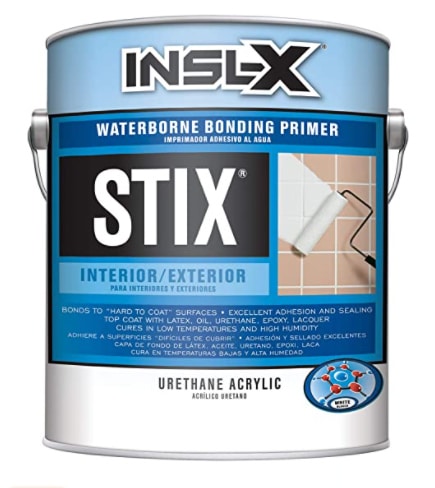
{short description or features list from the main listing}
>Write a list of title ideas for this review
H2: What is {product}?
>Write a product description for {product}
H3: Top benefits of {product}
>write a list of benefits for {product}
>write a paragraph expanding the above benefit
H3: Best Features of {product}
>write a list of features for {product}
>write a paragraph expanding the above feature
H2: {Product} Pros and Cons
>write a list of pros for {product}
>write a list of cons for {product}
H3: My experience using {product}
>write a story about a positive first experience with {product}
H2: Conclusion: Should you buy {product}?
>write a conclusion for this review
It will look like this:
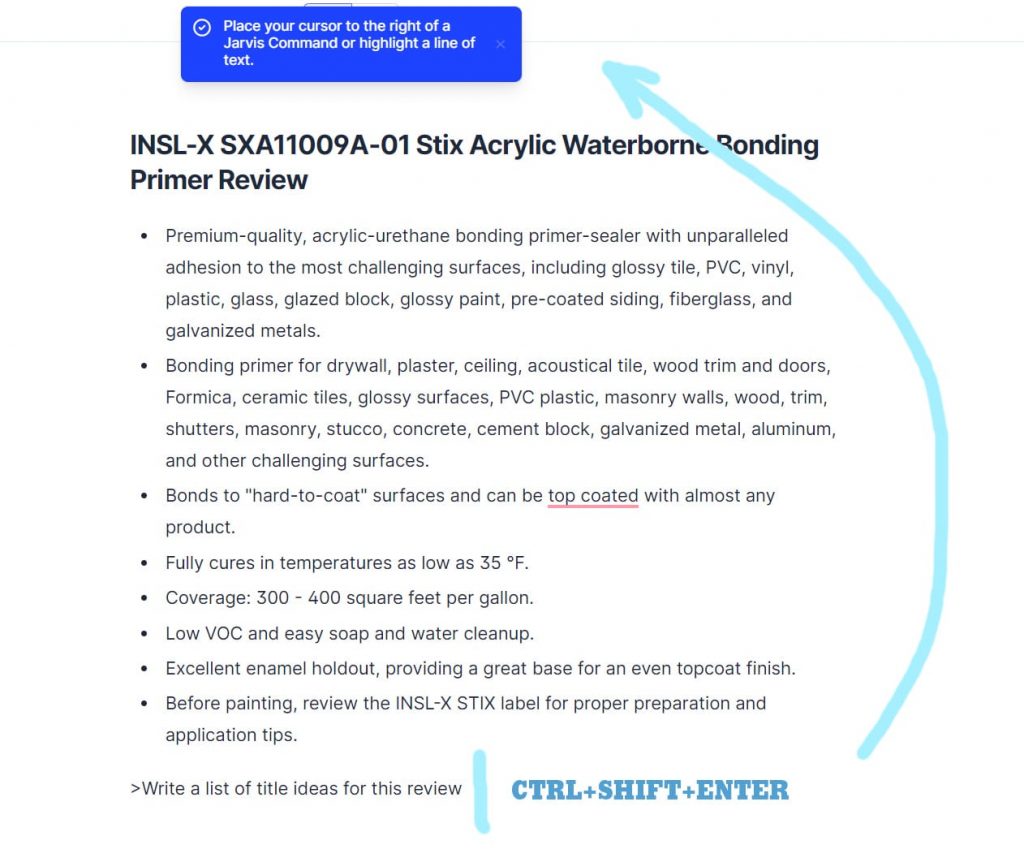
Put the cursor at the end of the line and press CTRL + SHIFT + Enter. This will execute the command without deleting the string (as opposed to CTRL + ENTER). I've merged two screenshots, as command execution should be highlighted in blue, and we get the result:
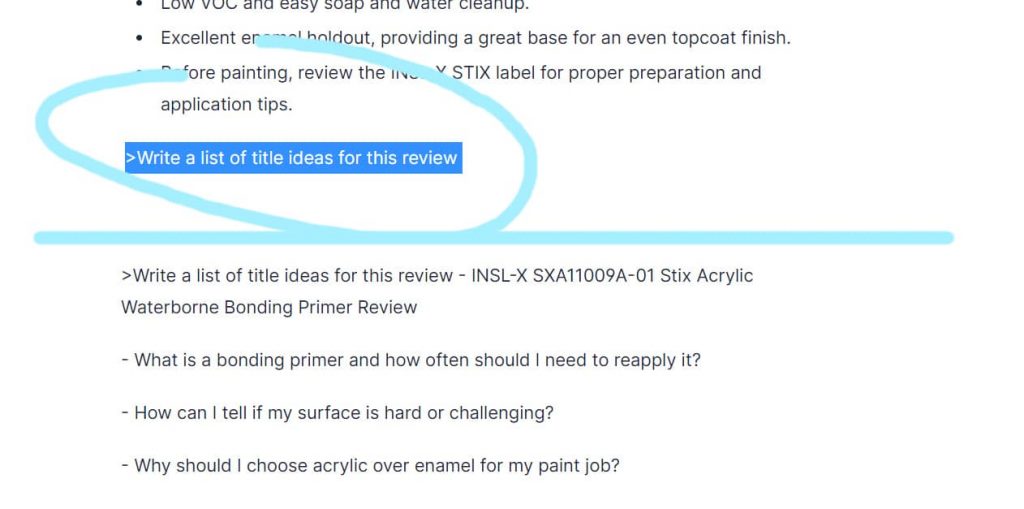
Take one sentence from the list to the title and get a readable, human-like-written headline for the article:

Go on to "What is {product}? We add H2 and run the command.
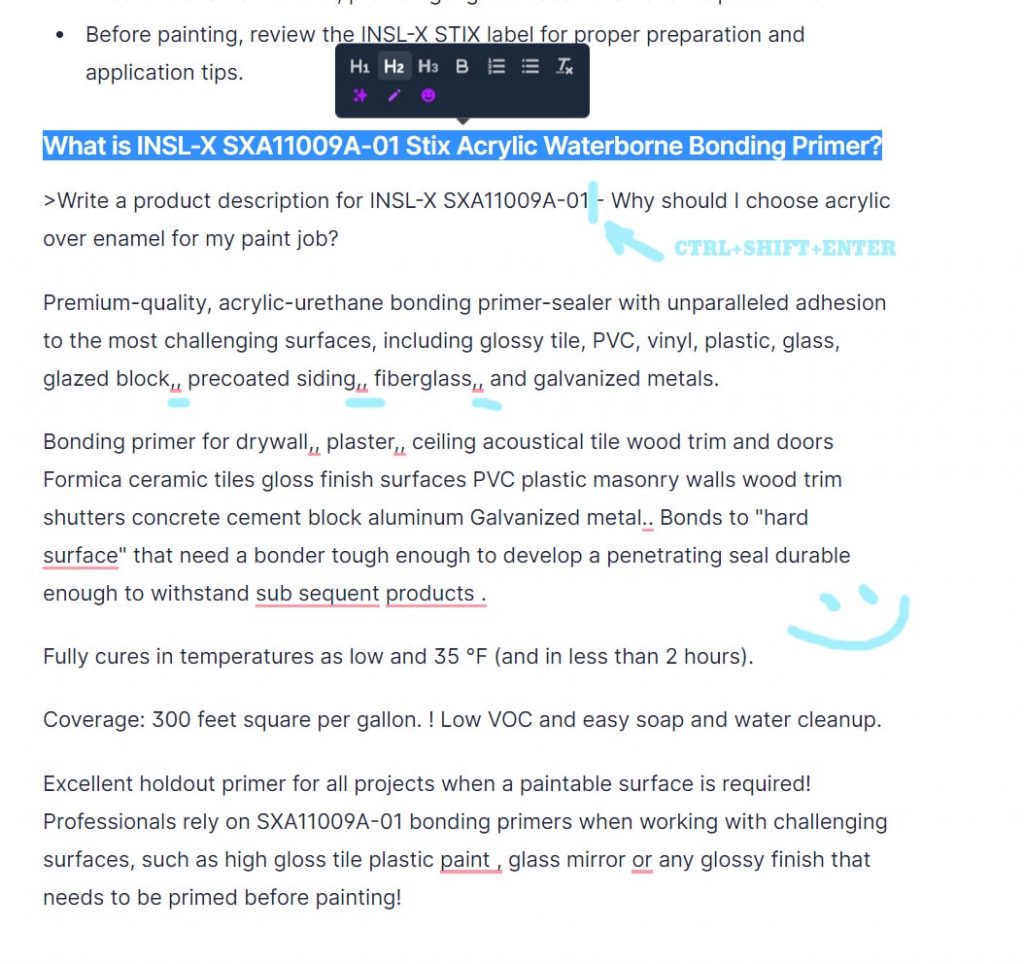
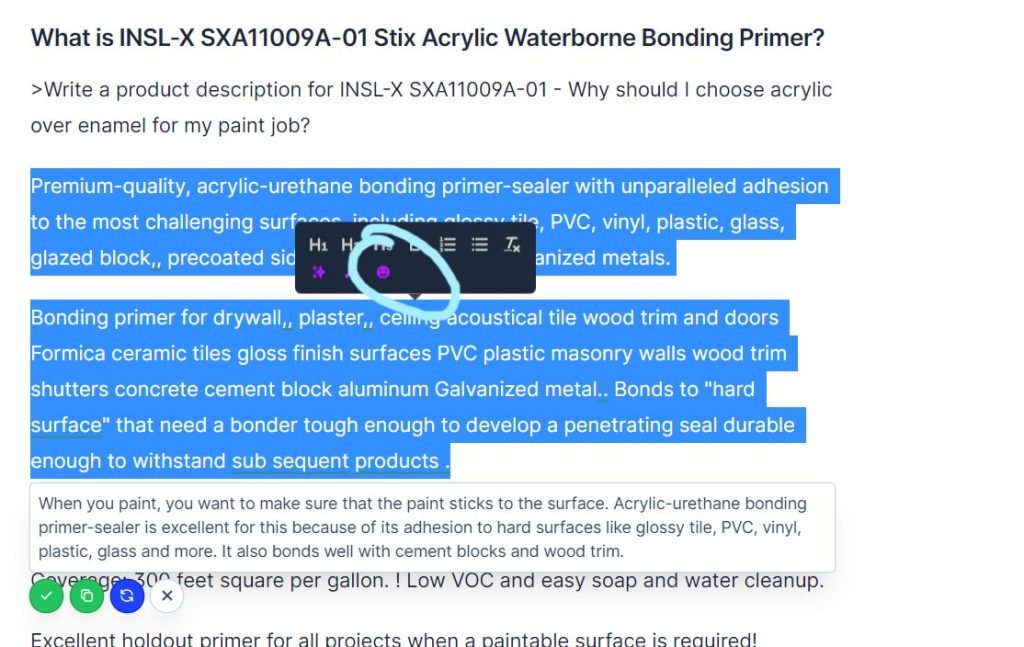
It is still worth running your eyes over the text and correcting, for example, double commas and missing punctuation marks. I thought that in this case, the writing was too abstruse and too much to correct, so I highlighted both paragraphs and clicked "Explain to a 5th grader".
Oh, that's different story now:
We end up with:
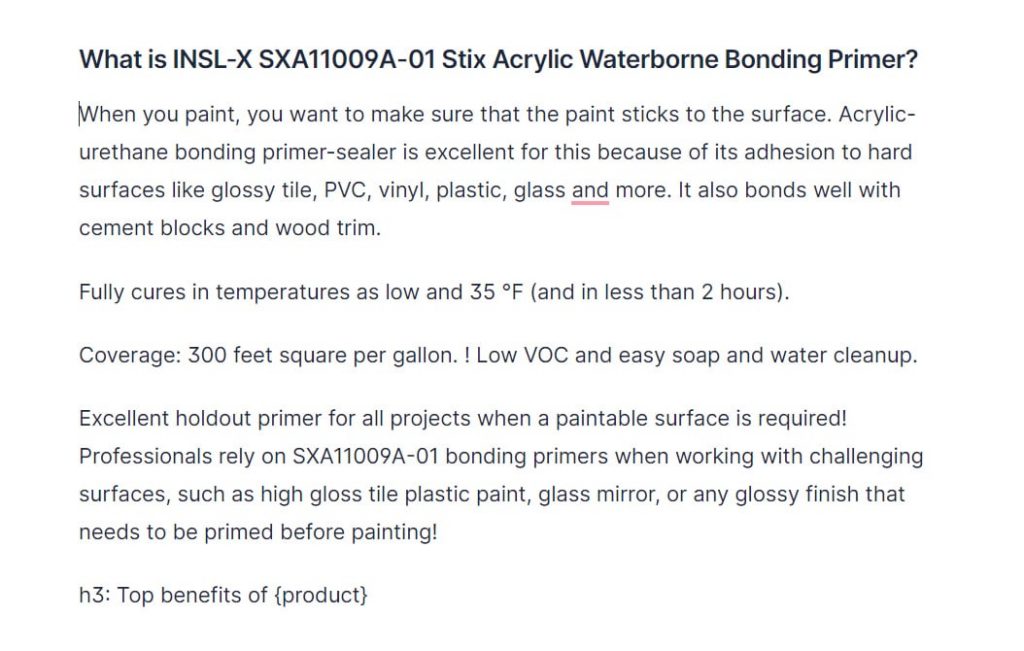
Very well, let's move on to the benefits.
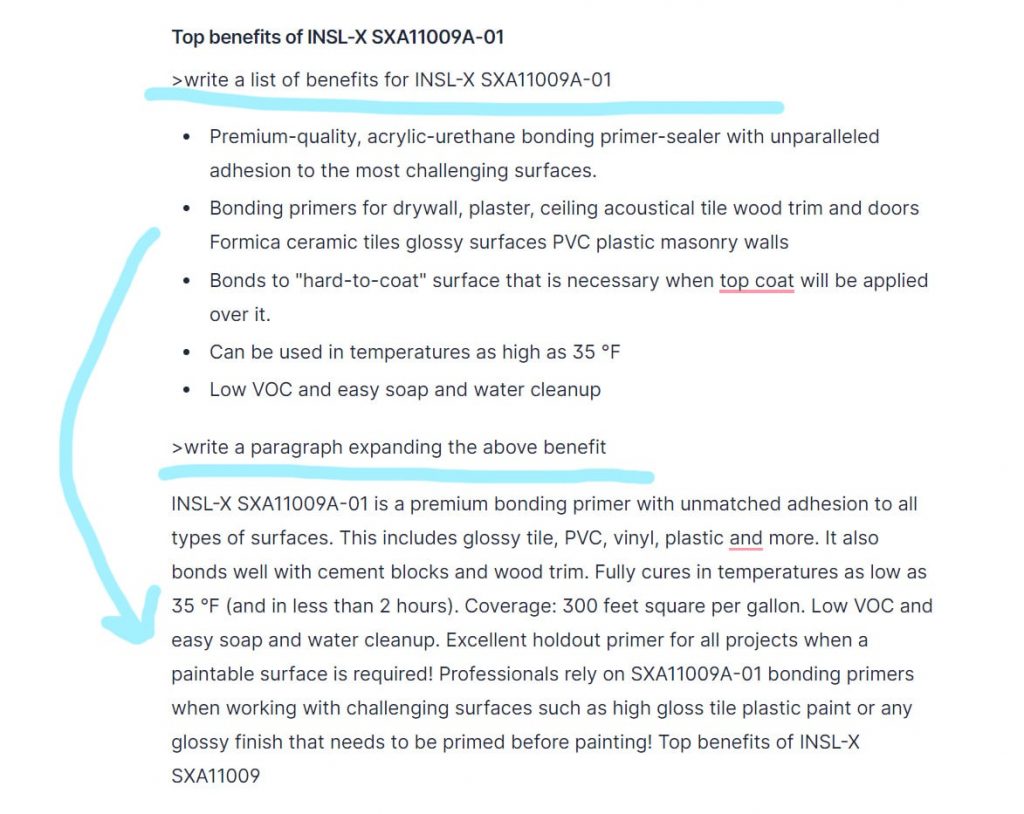
Put this paragraph above the list and delete the system commands. Do the same with what remains. In my case, there is almost no information on the product online and near the end of the Jarvis began to blatantly repeat. So, just highlight the paragraphs and press Re-phrase or Explain it to a 5th grader. Could even write a story about how my father advised applying the primer first 🙂
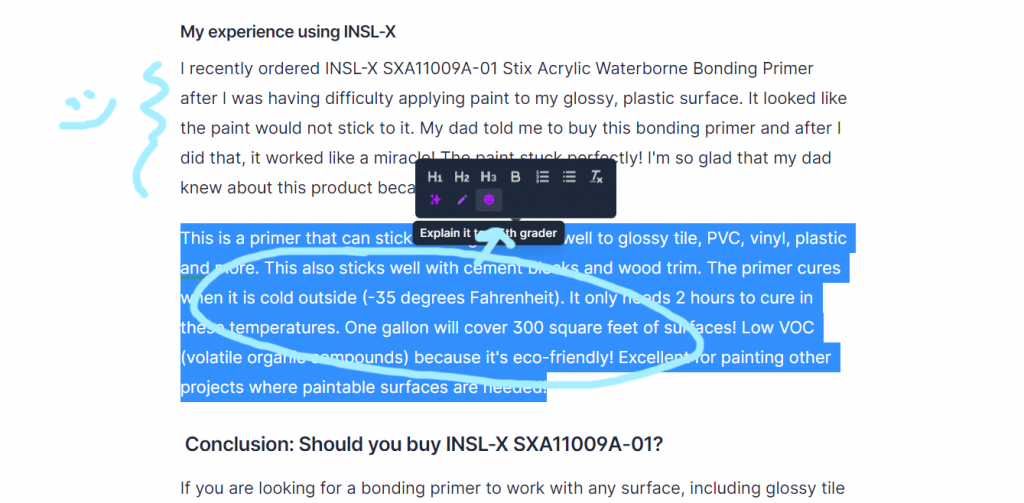
Done. We write out the conclusions, add pictures, make it into an article, or give it to a content manager. You could see my final result with this product review here.
Have a good day and happy writing!
Leave a Reply